
How do I get the serial numbers (IMEI) for my order?Updated a month ago
The serial numbers or IMEIs of your devices are available directly from your Back Market Pro account, Go to the Orders page of your Back Market Pro account, find the order you need, click the menu on the right of the order line, then select "Export serial numbers".
You'll get the list of serial numbers for the devices in that order.
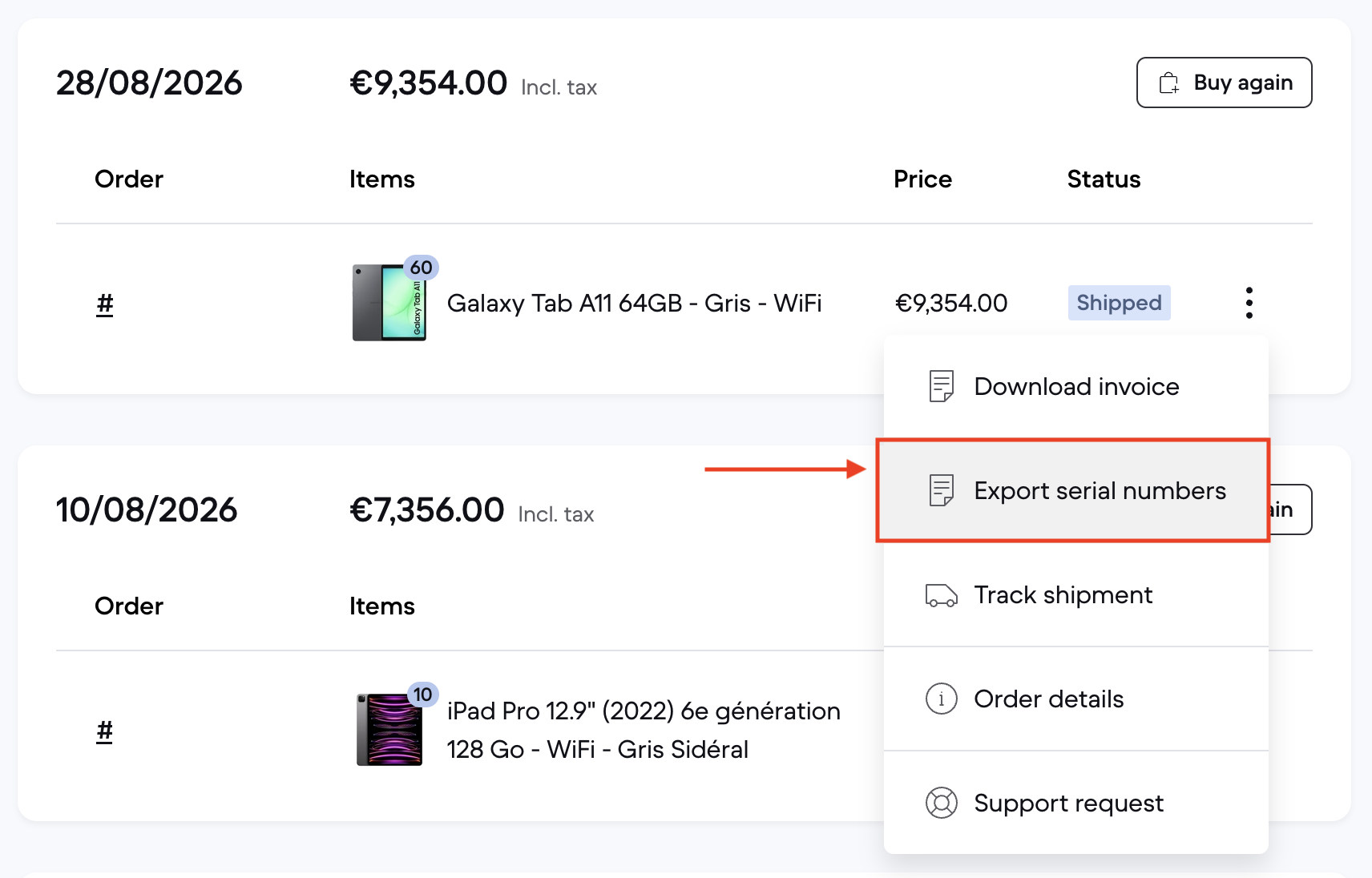
Serial numbers are entered by the seller when your order is shipped, so they become available once your order has been dispatched. If your order ships in several batches, the serial numbers are added as each batch is sent.
If the export isn't available for your order, it means the seller hasn't provided the serial numbers yet. In that case, please get in touch with our customer care team through the contact form and we'll retrieve them for you.